Stripe
Answers billing questions and changes plans for customers signed in to your product.
Overview
Connect your Stripe account and the assistant can help each customer who's signed in to your product with their own billing: which plan they're on, when it renews, the card they pay with, and their invoices.
Turn on the actions you want, and it can also cancel a subscription, undo a cancellation, or switch to one of the plans you allow. It says exactly what will change and waits for the customer to confirm before it does anything in Stripe.
What the assistant can do
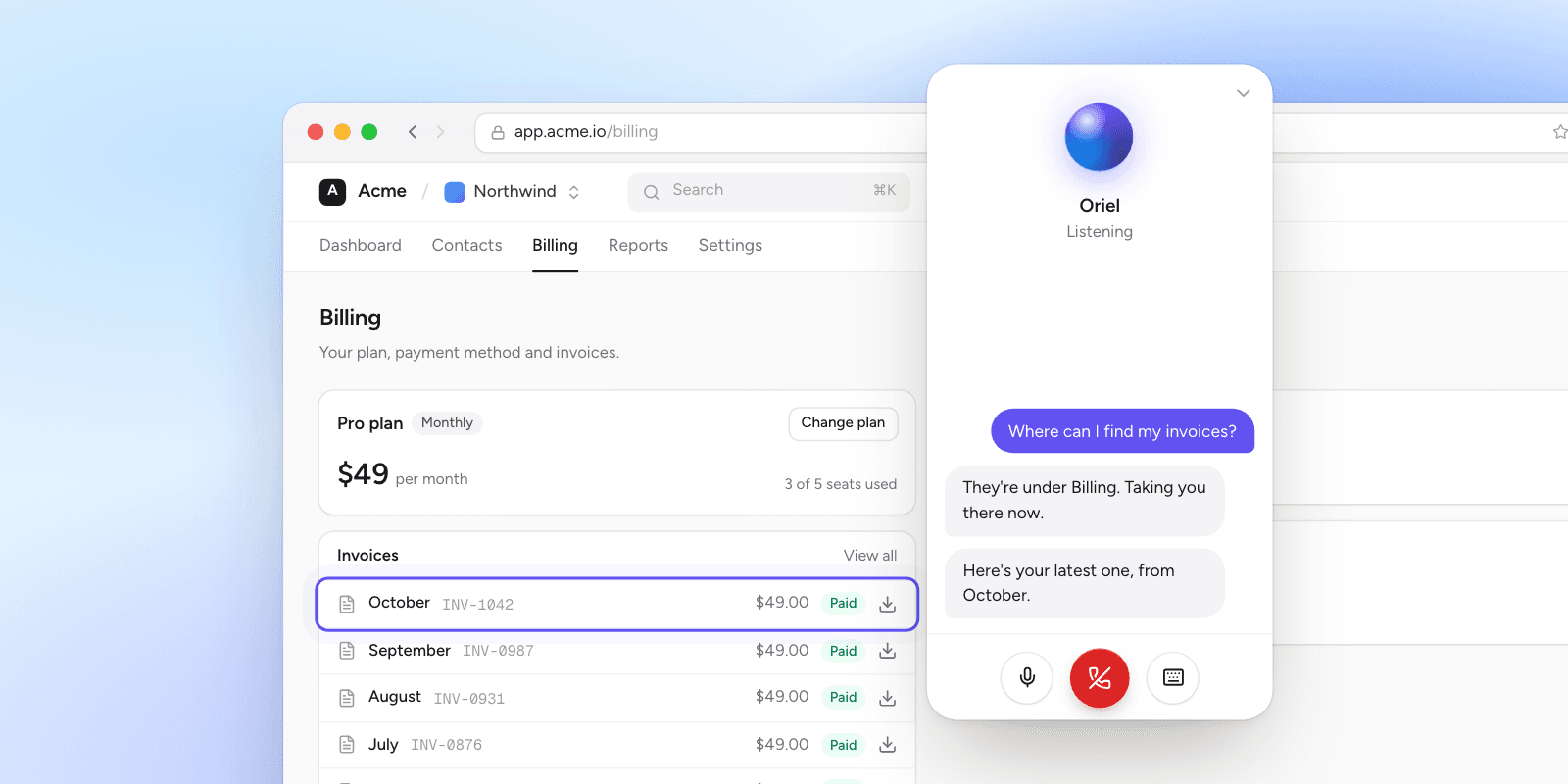
Answer billing questions
Customers ask about their plan, renewal date, invoices or card, and the assistant answers from Stripe, with a link to each invoice. It only ever discusses the billing of the person it's talking to.
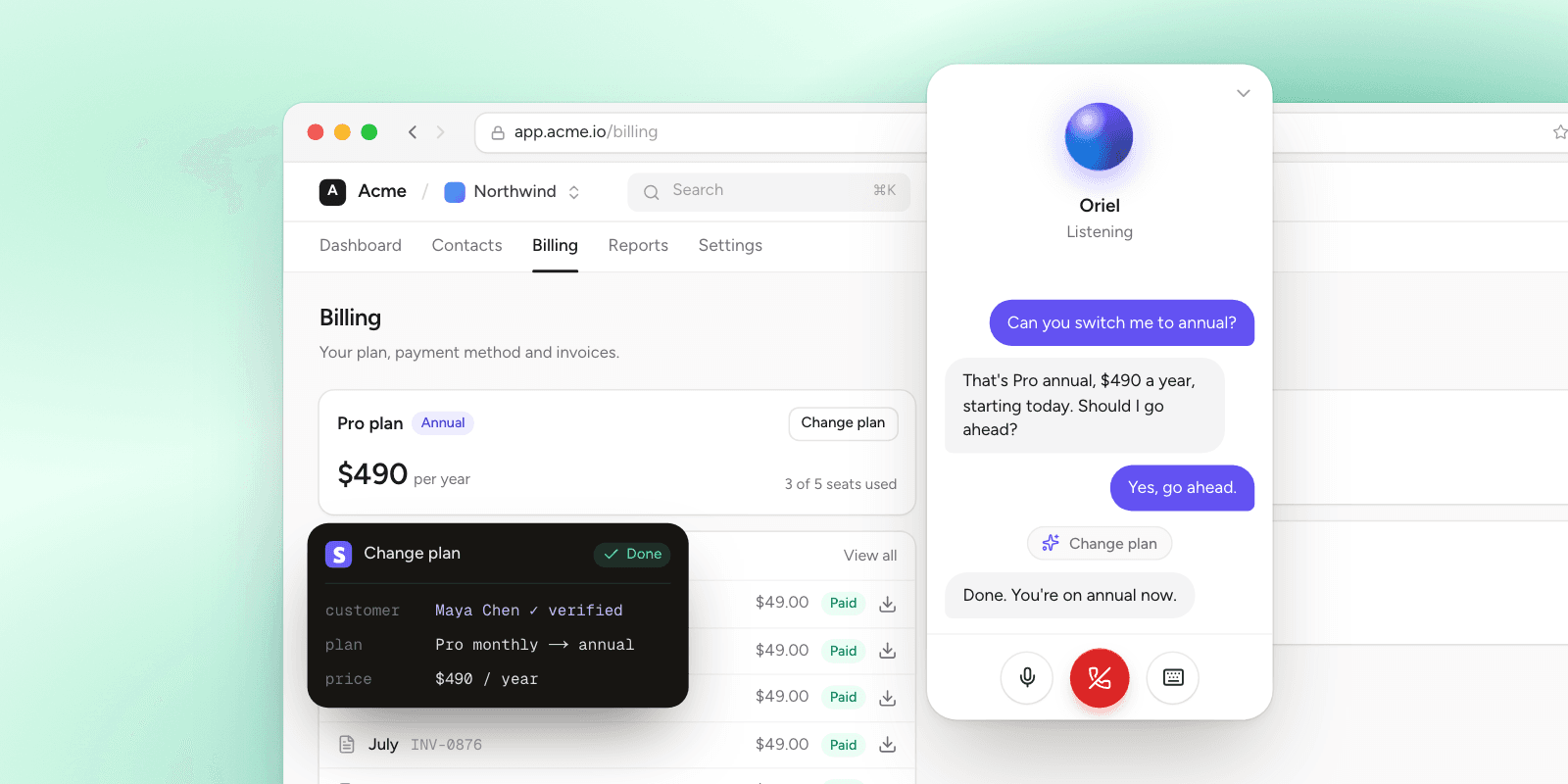
Change plans in the conversation
Choose which changes the assistant may make. It names the new plan and price, asks the customer to confirm, then updates the subscription in Stripe.
How to connect it
- Sign in to Oriel and open your assistant's Integrations page.
- Press Connect on Stripe, and install the Oriel app in your Stripe account. You can also paste a restricted key instead.
- Choose what the assistant may do. Looking up billing, listing invoices and sending a billing portal link are on to start; cancelling, undoing a cancellation and changing plans stay off until you turn them on.
- Make sure your product tells Oriel who's signed in, so the assistant can find their Stripe customer.
What Oriel can access
The Oriel app asks Stripe for these permissions, and nothing else:
- Read customersFinds the Stripe customer of the person signed in to your product, so the assistant only answers about their own billing.
- Read subscriptionsShows the signed-in person their plan, status and renewal date.
- Change subscriptionsCancels, resumes or switches the signed-in person's plan, only when you turn these actions on and they confirm.
- Read invoicesLists the signed-in person's invoices, with links to each one.
- Read payment methodsTells the signed-in person which card their subscription is billed to.
- Read productsShows plan names instead of IDs.
- Read pricesLists your prices, so you can choose which plans the assistant may switch people to.
- Create billing portal linksCreates a billing portal link where the signed-in person can update their card or download invoices.
- Read account detailsShows which Stripe account is connected in the Oriel dashboard.